ShepherdAI
Build Better Tests. Find Problems Earlier. Stabilize Systems Faster.
ShepherdAI is an AI-assisted quality engineering platform that brings test automation, data validation, defect analysis, and requirements traceability into one connected workflow—helping your teams understand what is working, what is failing, and what needs attention.
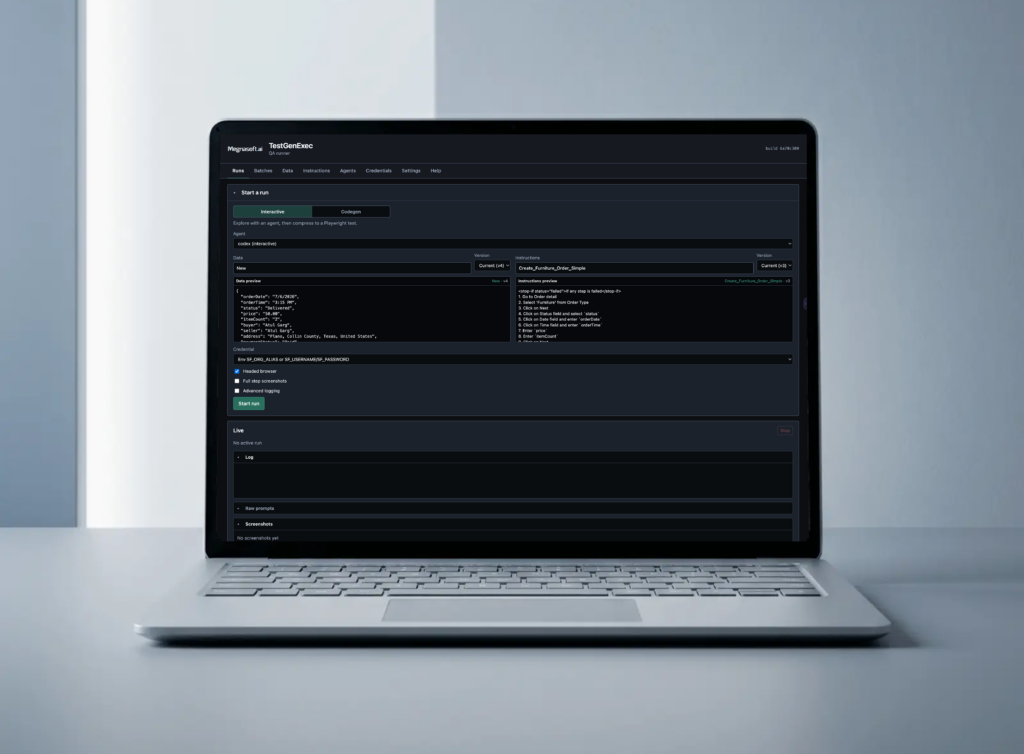
Go Beyond Pass or Fail
ShepherdAI does more than report whether a test succeeded, it gives technical and business teams a shared view of quality and implementation progress.
What changed
Detect updates to interfaces, workflows, fields, and system behavior that may affect existing tests.
Where a process failed
Identify the exact step, screen, integration, or validation point where a workflow stopped working.
Which requirements are affected
Connect failed tests and defects to the business or technical requirements they may impact.
Whether data moved correctly
Verify that information was entered, generated, transferred, and stored accurately across connected systems.
What may have caused the defect
Review screenshots, logs, test history, and system context to support root-cause analysis.
Which areas present the greatest risk
Highlight recurring failures, coverage gaps, and critical workflows that may require immediate attention.
Most Test Automation Starts After the System Is Stable
ShepherdAI helps you get there.
ShepherdAI combines AI-assisted test generation with reusable Playwright automation, continuous validation, and human-reviewed recommendations.
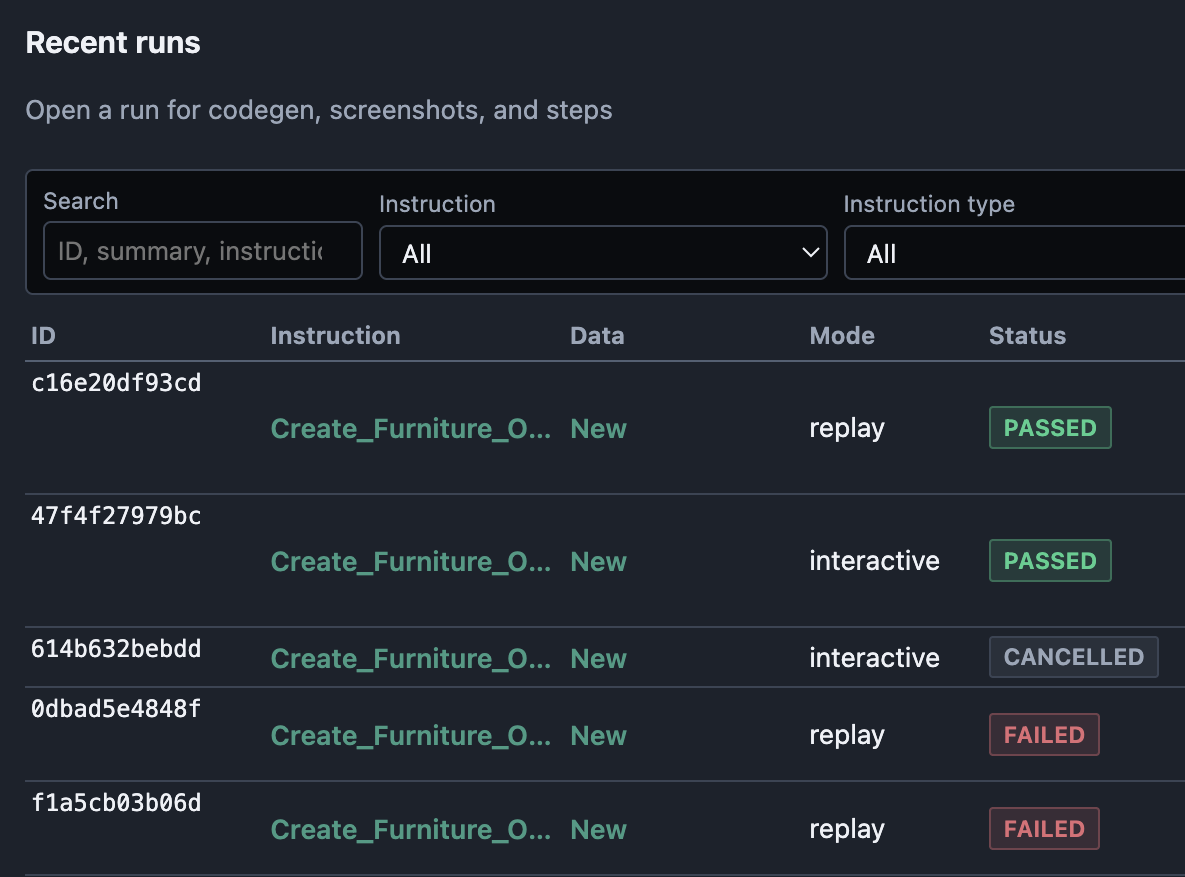
Built to Stabilize, Not Just Automate
Identify failures, coverage gaps, and recurring risks while tests are running.
- Pinpoint where workflows break
- Connect defects to requirements
- Reveal untested functionality
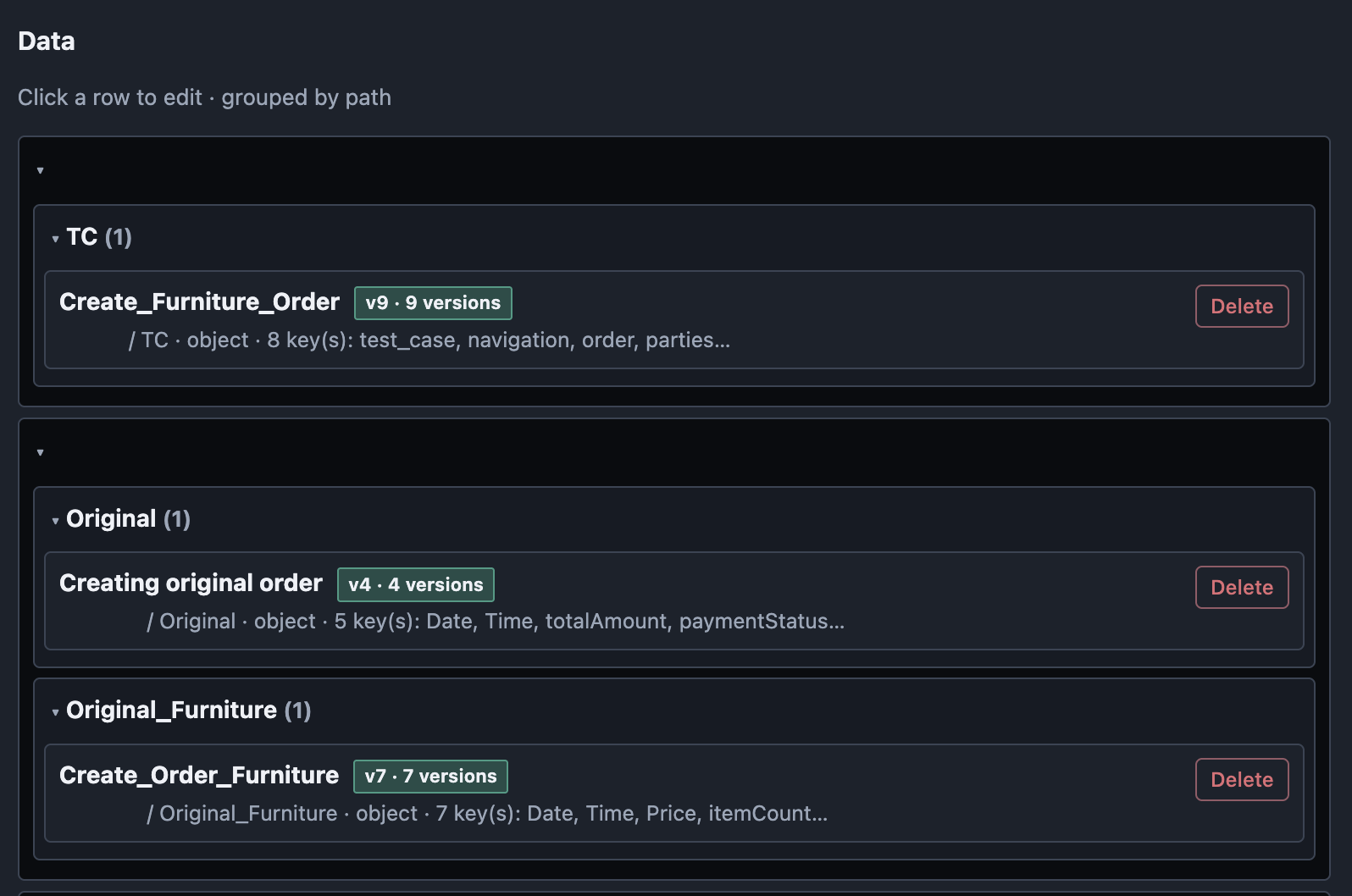
Built Around Human Oversight
Use AI to accelerate testing while keeping teams in control.
- Review generated test cases
- Approve recommended updates
- Validate root-cause findings
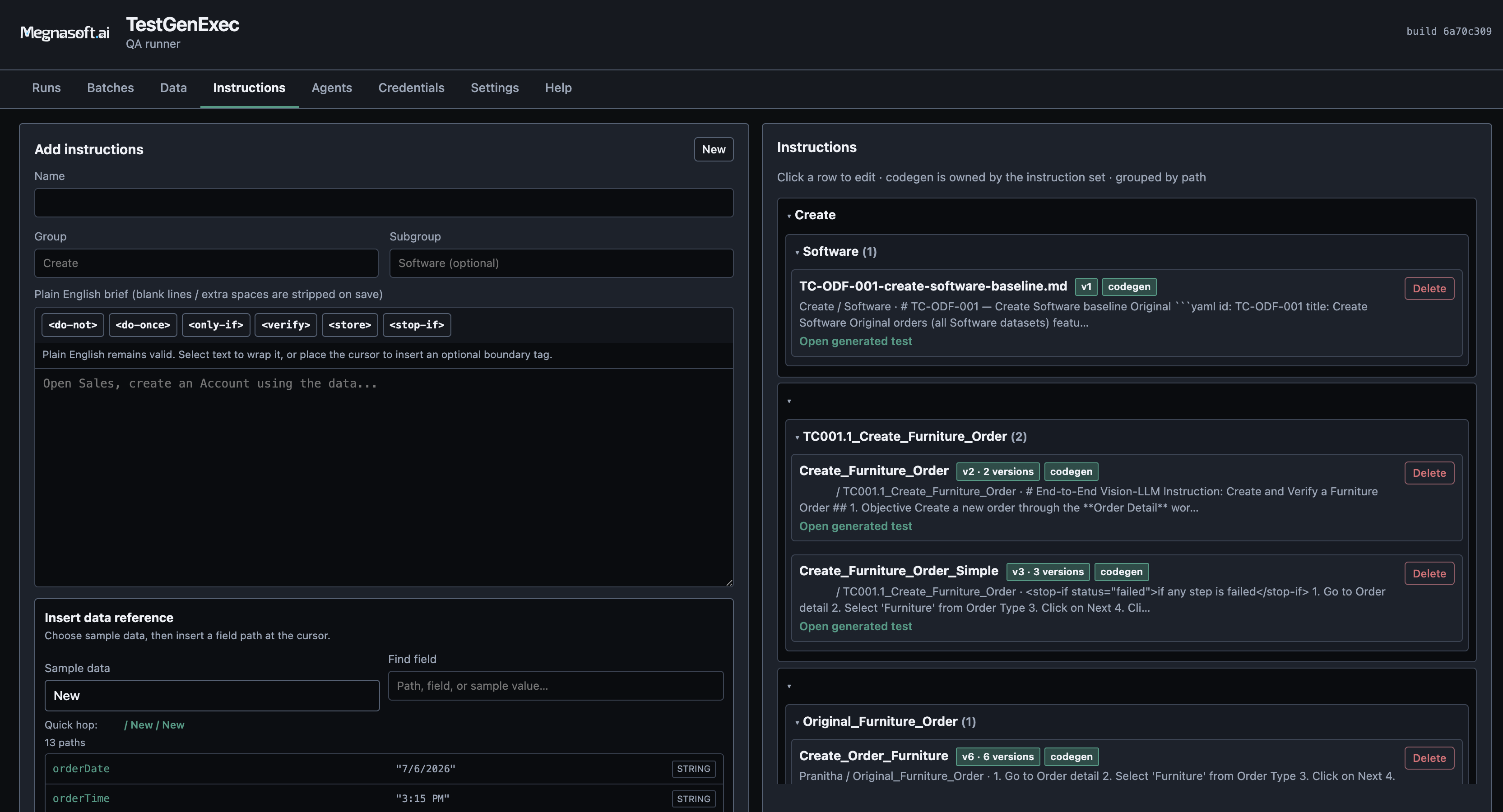
More Than a Standalone Tool
Get the platform, integration, and support needed to put it into operation.
- Deploy within your environment
- Connect systems, APIs, and data
- Support execution and expansion
A Smarter Testing Workflow
Manage the full testing lifecycle—from test creation and execution to defect analysis, maintenance, and ongoing system improvement.
Generate
Turn Project Knowledge into Test Coverage
Start testing earlier and reduce manual test creation.
- Generate test cases from requirements and design documents
- Create tests from application code and APIs
- Convert business workflows into test scenarios
- Build reusable Playwright automation blocks
Execute
Test Workflows Across Connected Systems
Reduces execution time, token usage, and operating costs.
- Test complete user and business workflows
- Validate Salesforce objects, records, and fields
- Run API, integration, and data-validation tests
- Schedule large regression and release-testing batches
Analyze
Understand More Than the Final Error
Give testers and developers a shared starting point for resolving issues.
- Capture the complete test journey
- Identify the exact point of failure
- Generate proposed root-cause findings
- Highlight recurring defects and high-risk areas
Improve
Keep Automation Useful as the System Changes
Automation becomes easier to maintain while your team remains in control.
- Detect interface and workflow changes
- Recommend updates to affected tests
- Reuse existing automation components
- Identify coverage gaps and incomplete functionality

Connect every stage of the testing lifecycle.
Built for the Full Quality-Engineering Workflow
Test Generation
Create tests from requirements, design documents, code, APIs, and business rules.
Reusable Automation
Build reusable test components and schedule automated test batches across releases.
Data Validation
Verify fields, records, API responses, and data transfers throughout each workflow.
Defect Intelligence
Use screenshots, logs, and test history to identify failures and support root-cause analysis.
Requirements Traceability
Connect requirements to implementation, test coverage, and results.
System Knowledge & Documentation
Use the chatbot to answer system questions and generate training guides, feature explanations, and support materials.
Frequently Asked Questions
ShepherdAI can use requirements, design documents, code, API documentation, workflow descriptions, and existing test cases. The exact inputs depend on the project phase and the system being tested.
Yes. ShepherdAI can support UI testing, APIs, Salesforce objects, command-line processes, data validation, custom scripts, and workflows that span multiple systems.
AI is used where it provides value, such as generating tests, identifying changes, and analyzing failures. Established tests can then run using reusable automation without calling a language model during every step.
ShepherdAI can detect changes and recommend updates. A tester, developer, or designated approver reviews the proposed change before it is added to future test runs.
ShepherdAI is provided as an integrated platform and consulting service. We help deploy, configure, connect, operate, and support the platform within the your environment.
Ready to Simplify Your Next IT Project?
Technology should create value, not complexity. Call us at (916) 235-3125 or complete the form to connect with our team.
Next Steps
- Fill in our quick form
- We’ll schedule an introductory phone call
- We’ll take the time to listen and plan the next steps